2: Setting your identity.
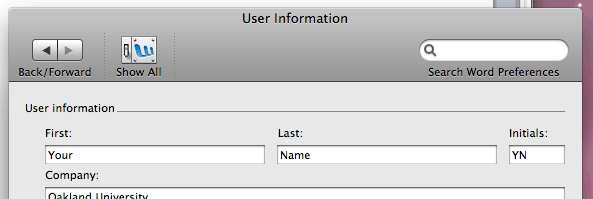
Before we begin using the reviewing features, it's important to tell Word
who you are so that it can attribute changes to you. This is something that
you only need to do once—in the future you can skip this step.
- From the "Word" menu, select "Preferences" (or press [Command]+[,]).
- Click on the "User Information" icon.

- Type your name and initials into the appropriate fields and click "OK."
Next >>